
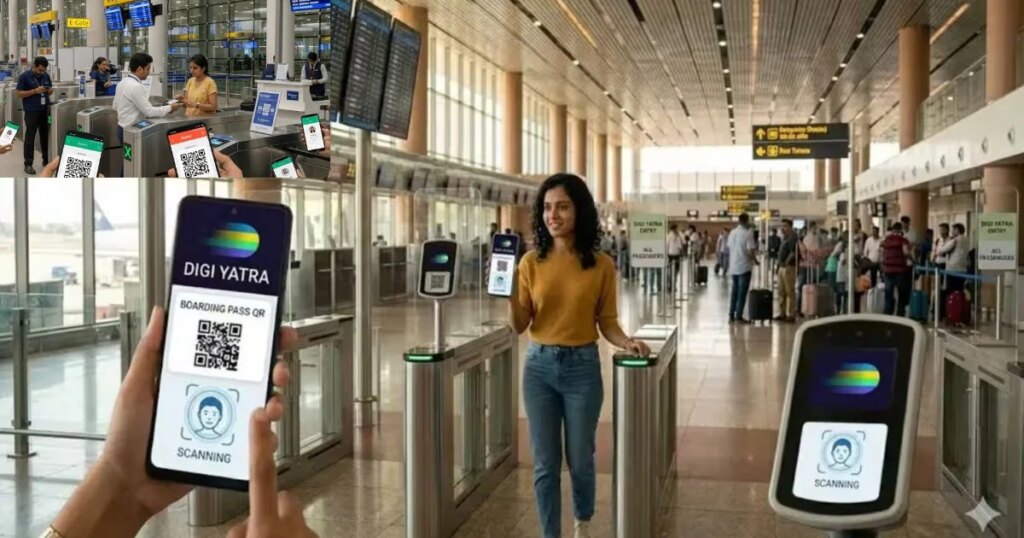
Desk: If you too get troubled by long lines at the airport and the hassle of check-in, then Digi Yatra App is a very useful digital solution for you. It is a completely paperless and contactless system, in which passengers can save their boarding pass and ID in digital form. With the help of this app, passengers get entry directly through e-gate at the airport without showing any physical document.
How to register on smartphone?
First of all, download ‘Digi Yatra’ app from Play Store or App Store in your Android or iOS phone. After installing the app, choose your preferred language and log in with mobile number. After this, complete the verification of your identity by entering the Aadhar card details. Then add your boarding pass to the app. After registration is complete, you can enter flight details in the app. For this, go to the ‘Boarding Pass’ section and enter the information manually or scan the QR code of the airline. Once saved, all your travel details remain safe in the app, which you can view anytime.
How does Digi Yatra work at the airport?
When you reach the airport, all you have to do is scan the QR code of your Digi Yatra app at the entry gate. After this, the face recognition system present there verifies your identity immediately. As soon as the verification is complete, the e-gate opens automatically and you proceed without any paperwork.
What benefits do passengers get?
No more tension of forgetting documents: No need to print ID or boarding pass Time Saving: No need to stand in long queues, entry in seconds Safe and Contactless Experience: Less physical interaction making the process more secure and convenient