
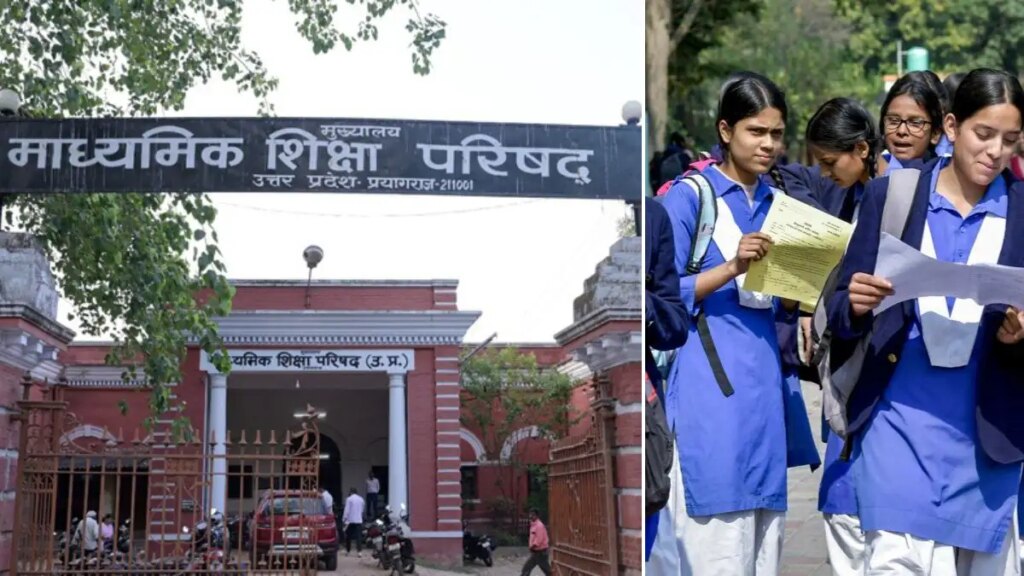
The wait of the students appearing for UP Board 10th and 12th exams is finally over today. Uttar Pradesh Secondary Education Council (UPMSP) has officially released the UP Board results (Class 10 and 12). All the students who appeared in the examination can now visit the official websites—upresults.upmsp.edu.in and upresults.nic.in—to check their results. To check their result, students have to use their credentials (like roll number and date of birth). Students can also check their results by adopting the methods mentioned below.
According to these results, a total of 90.42 percent students have successfully passed the class 10th examination. At the same time, 80.38 percent students have successfully passed the 12th examination.
UPMSP 10th and 12th results declared: How to check UP Board class 10 and 12 scorecard
First of all, students should visit the official website.
After this, on the homepage, students should click on the link given for “UP Board 10th Result” or “UP Board 12th Result”.
After this a separate window will open for the students.
Now, students should fill the required information in the given boxes and click on ‘Submit’.
By doing this, the result will appear on the screen.
Students can now check their result and download it.
At last, it would be better to take a printout of the result for future reference.
Apart from the official websites, students can also check their result on UMANG App and DigiLocker. If for some reason the website crashes or stops working, students can still check their results by visiting DigiLocker.
Official websites:
upmsp.edu.in
upresults.nic.in
digilocker.gov.in
web.umang.gov.in