
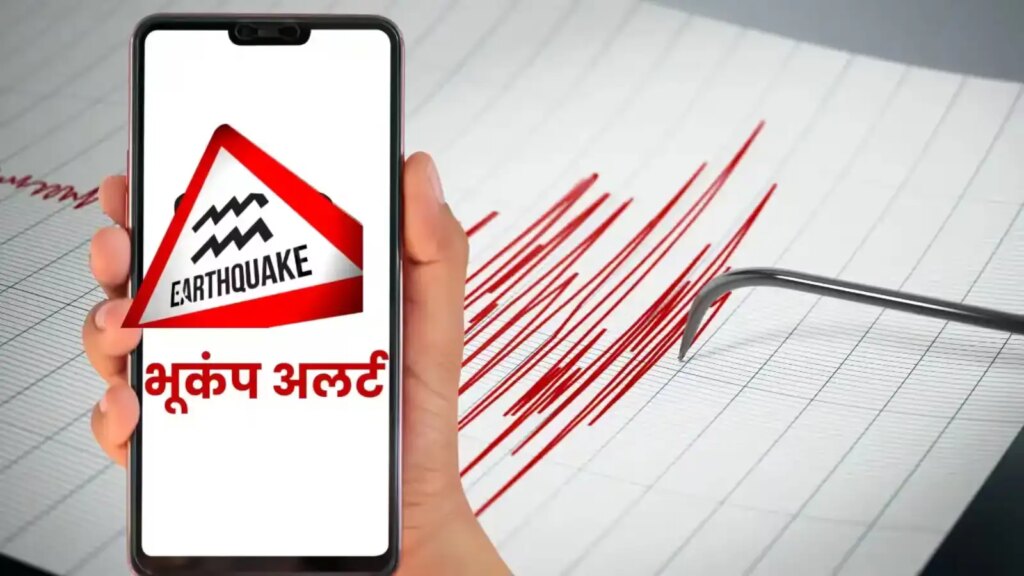
Strong earthquake tremors were felt in Kolkata and surrounding areas this morning. People became afraid. At many places buildings shook for a few seconds, causing people to flee their homes in fear. The epicenter of the earthquake was near Tungi, Bangladesh, where strong tremors were felt at around 10:38 am. After the tremors, a question came to people’s minds again and again: Did they get an earthquake alert on their phones? Nowadays smartphones send timely earthquake warnings, but only when this feature is turned on.
How do smartphones give earthquake alerts?
Small motion sensors in smartphones can sense even slight vibrations. When multiple phones nearby simultaneously record strong vibrations, this data is immediately sent to a central server. The server detects it as an earthquake and immediately sends an alert to nearby users. These alerts take just a few seconds, but even those seconds can give someone a chance to get to safety.
How to turn on earthquake alert on Android?
First of all, open your phone’s Settings. Then, go to Safety and Emergency. You will see Earthquake Alerts there. Turn it on. By doing this your phone will get alert before the earthquake occurs.
How to turn on Emergency Alerts on iPhone?
Open Settings
Select Notifications
Scroll down and turn on Emergency Alerts.
Extra alerts can be received from MyShake app.
This app is available for free to users on both Android and iPhone. Open the app, complete setup, and grant location access. This app sends you alerts for earthquakes with a magnitude greater than 4.5.
Google also sends you two types of alerts.
Be Aware Alert: For mild tremors
Take Action Alert: Advises to immediately move to a safe place during strong shaking
Why is this feature important?
The Kolkata earthquake once again showed how important smartphone alerts are. Earthquakes cannot be predicted, but as soon as the first shock occurs, phones send warnings so that people can move to a safe place.