
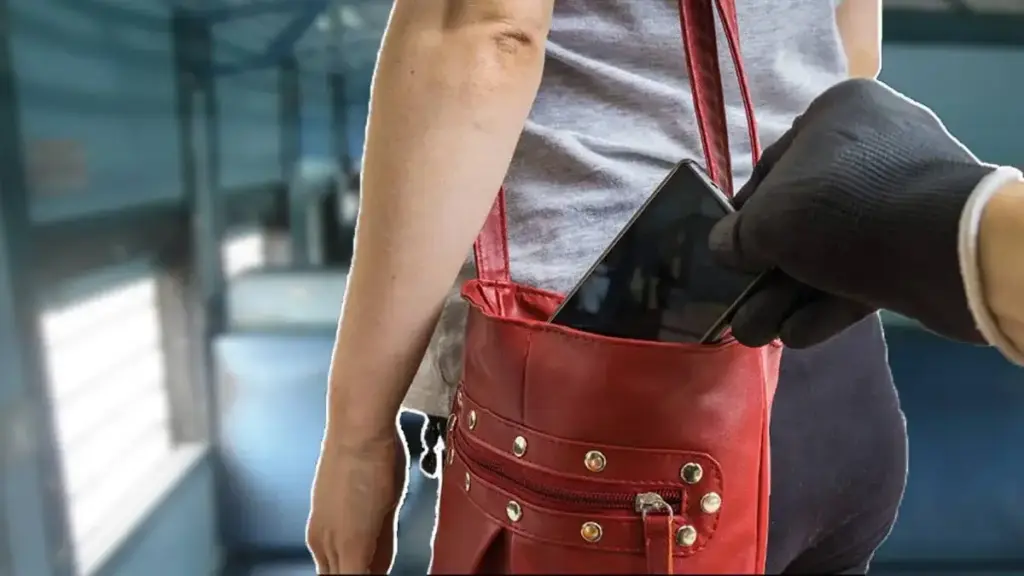
Every day lakhs of people travel by train, but sometimes during the journey many people’s mobile phones are stolen. If this ever happens to you, what is the first thing you should do without panicking? Today we are going to give you complete information about it so that if your phone is stolen or lost, your important data (photos, videos, documents) does not fall into the wrong hands.
do this first
Sometimes phones are accidentally left on the train, or sometimes thieves steal them. In such a situation, it becomes very important to keep your data secure. The phone is no longer just about making calls; It contains sensitive information like banking apps, important documents, personal photos and videos. If your mobile phone gets stolen, immediately block your mobile number and then block the phone’s IMEI using the Sanchar Sathi app. Additionally, you can also remotely erase all data from your phone.
The advantage of blocking IMEI number through the official Communication Partner website is that any SIM card of any network will not work in the phone, i.e. your phone will become completely useless to the thief. If a SIM card in the phone does not work, the banking apps on the phone will remain safe as no OTP will be received on the phone for any transaction, and your money will remain safe. If your phone is found, you can also unblock it through the Sanchar Saathi website.
Away from your phone? format like this
To format (factory reset) a stolen phone As a last resort after trying to locate or lock your phone, you can use Google’s Find My Device (android.com/find) to format your phone so that your important data doesn’t fall into the wrong hands. If you use an Apple phone, you can remotely format the phone and delete all data using iCloud (icloud.com/find). Note that you should log in with the same account which was also active on your phone. After logging in, select the “Erase Device” option.