
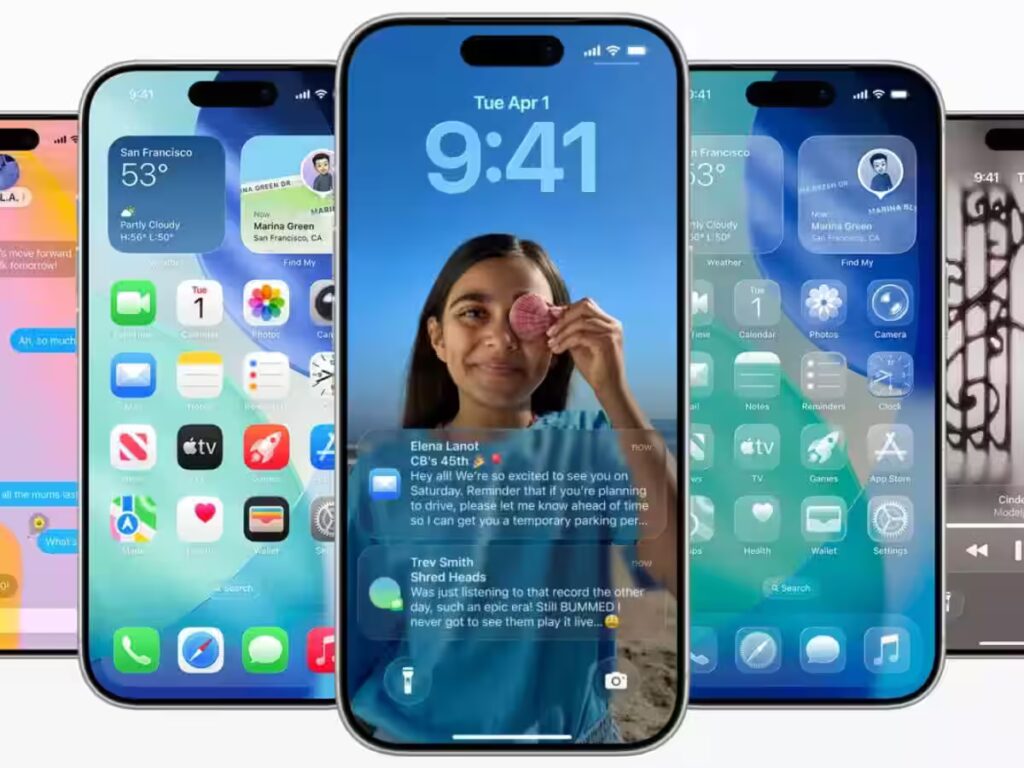
Apple launched its new iPhone 17 series last week. Subsequently, the company also announced the release of its latest iOS 26 update for supported iphones. The company released the iOS 26 stable update on 15 September. After this, iPhones not only got a new look, but also added many new features to the device that improved the user experience. At the same time, there are some hidden features in this new iOS update, which you might not know. Today we will tell you about it in detail …
Adaptive power mode
Many users often complain about iPhone’s battery life, but this time the company has rolled out a great feature with a new update. After the update, if you now go to the battery settings and scroll down, click on the power mode option and you will see a feature called Adaptive Power Mode. This feature manages performance and background activity based on the use of your phone. Adaptive power is more smart.
Face gesture control
The most unique feature of iOS 26 is face gesture control. An accessibility settings have a new option called Head Tracking and Face Gesture. This allows you to control your iPhone only with your face. When the head tracking starts, your facial movements rotate a pointer on the screen. After this you can set different gestures.
Different photos and wallpapers
Another best feature of iOS 26 is spatial photo. It has been added to the photo app, allowing you to convert any deep picture into 3D photos. After turning on it, just rotate and try your device once. You will see the picture moving. The best thing is that you can also set it as wallpaper.
Custom ringtone without iTunes
One of the most disturbing things on iPhones for a long time has been to set a custom ringtone, but with iOS 26, Apple has finally made it extremely easy. Now, you can make your ringtone directly from Safari.
Reduce transparency
Some users are disturbed by the new glassy look, so there is an easy way to change it. By using a feature, you can reduce the transparency look of the device. For this, go to bus settings, then in accessibility, then open the display and text size. Now turn on the Transparency Reduce option.