
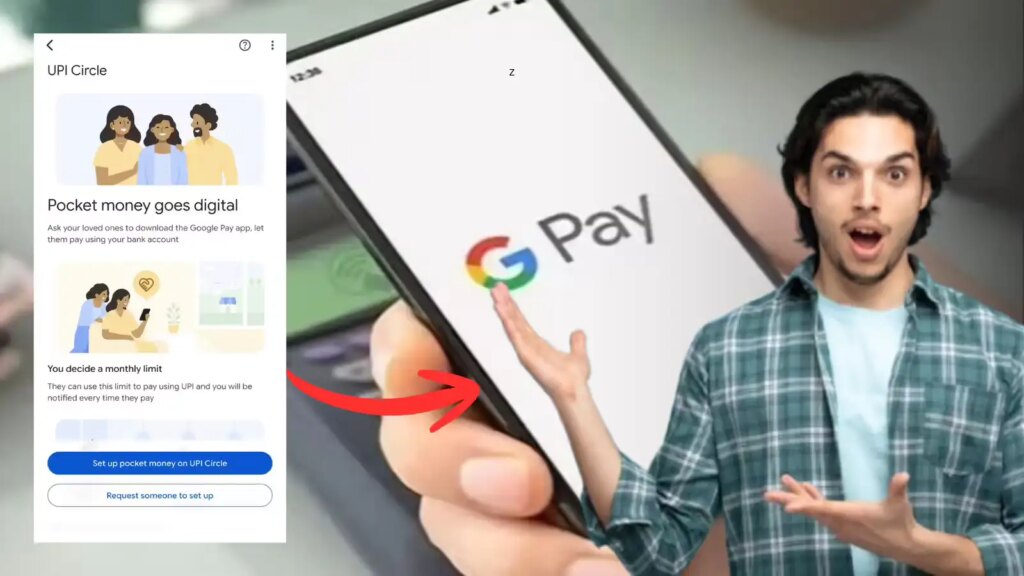
A big change is currently being seen in the world of digital payments. Google Pay has launched a feature through which users can now make UPI payments even without a bank account. This feature is especially beneficial for people who don’t have their own bank accounts—like children or other family members. The most important thing about this system is that its complete control remains with the person whose bank account is being used to make payments. This new system is called “UPI Circle”. It allows a “Primary User” to add other people to his bank account. These connected people act as “Secondary Users”, allowing them to initiate payments using the same account. With this new method the process of making digital payments becomes even easier.
What is “Pocket Money” feature?
The “Pocket Money” feature is an essential part of the UPI Circle ecosystem. This lets you allow family members, friends or employees to make purchases or spend directly from your bank account. Its special feature is that it is not necessary for the secondary user to have his own bank account to make payments.
Who is this feature beneficial for?
This feature is especially useful for giving children pocket money, helping with family members’ expenses, or paying employees for work expenses. This eliminates the need to manually transfer money every time they need it.
How does this whole system work?
Primary User must have a current bank account linked to his/her Google Pay account. Once set up, the Primary User can add up to five people to his UPI Circle. Secondary User will initiate payments using this shared account; However, complete administrative control over the account will remain with the Primary User.
Rules for adding secondary users
To add someone to your UPI Circle, their mobile number must be saved in your phone’s contacts. Additionally, that particular mobile number must be registered with Google Pay. Also, the person must have a valid UPI ID or QR code.
How to set up the “Pocket Money” feature
First of all, open the Google Pay app and go to the “UPI Circle” section. Here, search for Secondary User by his/her name or mobile number and select him/her. Next, scan its QR code and configure the payment settings to your liking.
Payment controls and limit settings
This feature gives you two different options: you can choose to manually approve each payment, or you can set a fixed spending limit each month. You can choose whichever option suits you best according to your specific needs.
How to complete setup
After entering the other user’s details, select your bank account and send them an invitation. You will have to enter your UPI PIN while sending the invitation. After this, that user will be able to make payment as per the rules created by you.