
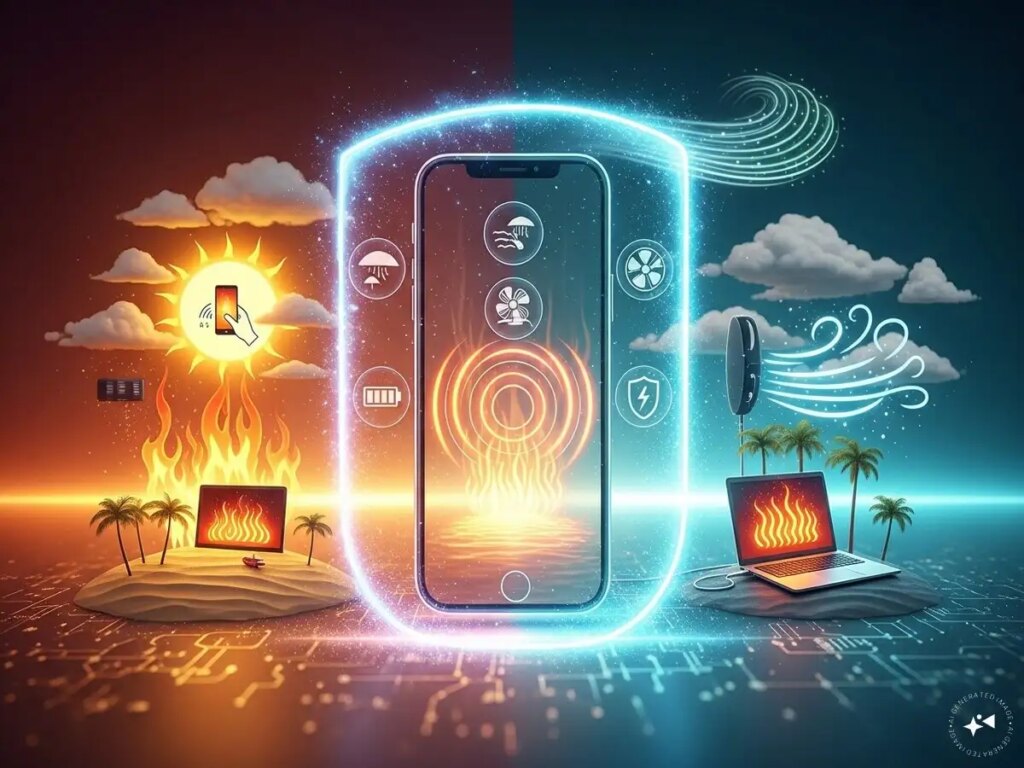
Due to rising temperatures and continuous use of gadgets, smartphones, laptops, gaming consoles, routers and other electronic devices, they can overheat. Excessive heat not only slows down performance, but can also damage internal components, shorten battery life, and increase the risk of short circuits. By taking a few simple precautions you can keep your devices safe and ensure they function properly.
**Keep the device in a cool and ventilated place**
Always keep electronic devices in a place with adequate airflow. Avoid placing the laptop on a bed, mattress, or blanket, as soft surfaces can restrict airflow. Desktop computers and gaming consoles should be placed in such a way that there is plenty of space around their cooling vents.
**Avoid direct sunlight**
Leaving a phone, tablet or laptop in direct sunlight can cause their internal temperature to rise rapidly. In summer, never leave gadgets in parked vehicles, as the temperature inside the car can rise to dangerous levels in a matter of minutes.
**Clean dust regularly**
Dust accumulation can clog the cooling fan and air vents, trapping heat inside the device. Use a soft brush, microfiber cloth, or compressed air to regularly clean the vents, keyboard, and cooling fan.
**Use original charger and accessories**
Cheap or faulty chargers can overheat the battery and damage the circuits inside. Always use certified chargers and cables as recommended by the manufacturer.
**Reduce excessive usage**
Running high-end games, video editing software or multiple apps for long periods of time can cause the device temperature to rise. When performing heavy tasks, give your device short breaks and close all non-essential apps running in the background.
**Keep your software updated**
Manufacturing companies often release software updates designed to better handle battery capacity and temperature. Regularly updating your device can help prevent overheating problems.
**Use cooling accessories**
Laptop cooling pads, external fans, and the right stand can improve airflow and reduce heat, especially in the summer months. Protecting electronic devices from overheating not only extends their life but also improves their performance and safety. A few simple maintenance habits can save users from costly repairs and sudden device breakdowns.