Latest News, Breaking News Today - Entertainment, Cricket, Business, Politics - AnyTV News
  • Home
  • News
    • Regional
    • India
    • World
  • Politics
    • Election
  • Business
  • Sports
  • Entertainment
    • Bollywood
    • Hollywood
    • Reviews
  • Automobiles
  • Lifestyle
    • Health
  • Technology
    • Mobile
    • Gadgets
    • Internet
  • Agriculture
  • Astrology
  • Education
  • Viral News
No Result
View All Result
  • Home
  • News
    • Regional
    • India
    • World
  • Politics
    • Election
  • Business
  • Sports
  • Entertainment
    • Bollywood
    • Hollywood
    • Reviews
  • Automobiles
  • Lifestyle
    • Health
  • Technology
    • Mobile
    • Gadgets
    • Internet
  • Agriculture
  • Astrology
  • Education
  • Viral News
No Result
View All Result
Latest News, Breaking News Today - Entertainment, Cricket, Business, Politics - AnyTV News
No Result
View All Result
Home News

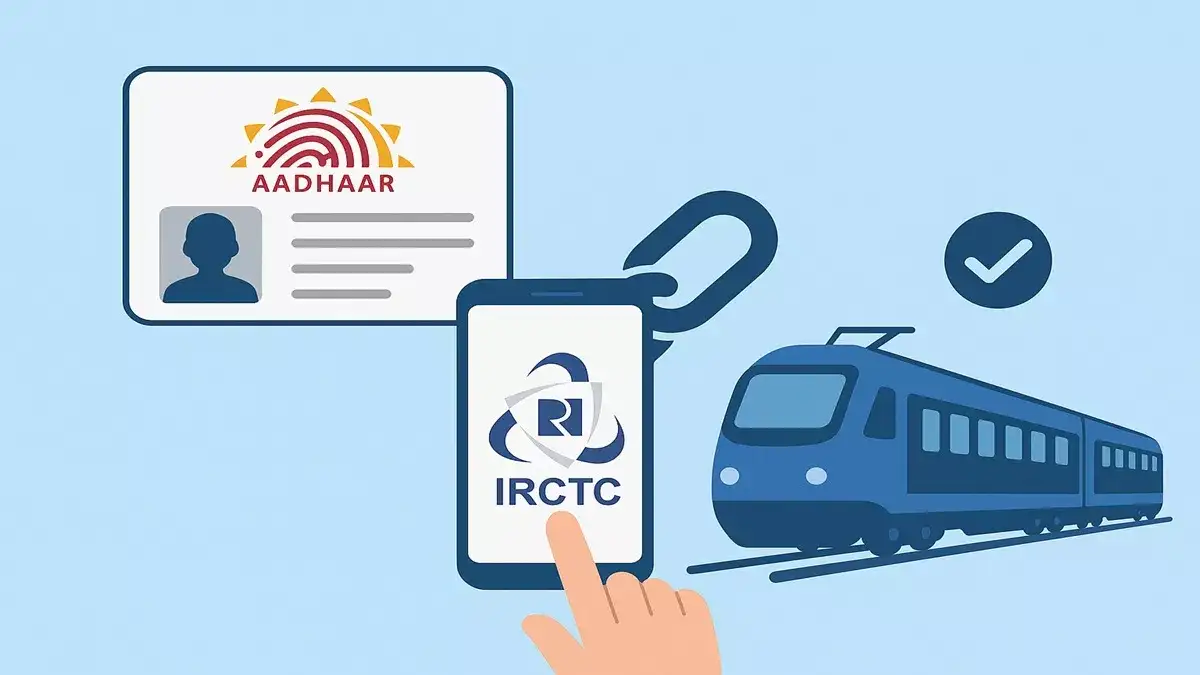
How to link Aadhaar with your IRCTC account? Know the complete process step-by-step here

by AnyTV
January 17, 2026
in News
0 0
How to link Aadhaar with your IRCTC account? Know the complete process step-by-step here
0
SHARES
13
VIEWS
Share on WhatsAppShare on Twitter

If you book train tickets online in India, your IRCTC account is something you use all the time. Now, it is very important to link your Aadhaar with your IRCTC profile. While some may consider this just another formality, it is designed to make your account more secure and help avoid last-minute problems during booking or travel. If you have ever faced booking limits, verification prompts, or random errors, Aadhaar linking could have helped. Here, we will show you how to link your Aadhaar with your IRCTC account easily and without any hassle. You don’t need to be tech-savvy. Just keep your Aadhaar number and registered mobile phone with you. We will explain the entire process step-by-step so that you can do it in just a few minutes.

Why link your Aadhaar to your IRCTC account?
Linking your Aadhaar helps reduce misuse of the ticketing system by agents and brokers, making it easier for genuine passengers to get confirmed seats. Once your account is authenticated, IRCTC can better verify that you are a real person and not a bulk booking account. In some cases, like Tatkal and Premium Tatkal booking, these are reserved only for Aadhaar-verified users. This gives regular passengers a better chance to book tickets before they are sold out.

What do you need before you start?
Make sure you have an active IRCTC account and your user ID and password are ready.
Keep your Aadhaar card with you, which contains your 12-digit Aadhaar number or virtual ID.
Make sure your mobile number is linked to your Aadhaar so that you can receive OTP for verification.

How to link your Aadhaar with your IRCTC account?
First of all, you need to visit the official IRCTC website and log in using your registered user ID and password to access your account.
After logging in, click on the My Account tab to open your profile and account related options. From the available options, select Authenticate User or Link Your Aadhaar to start the Aadhaar linking process.
On the next page, enter your Aadhaar number or Virtual ID (VID) and carefully check that your name, date of birth and gender match your Aadhaar records, and make any necessary corrections.
After confirming the details, click on Verify details and receive OTP to request the one-time password on your Aadhaar-registered mobile number. Enter the OTP received on your phone in the provided field and click on Submit or Verify to proceed.
Finally, agree to the consent statement and submit the form to complete the process, after which your account will appear as authenticated with a green tick.

How to check whether your IRCTC account is authenticated or not?
Once you have linked your Aadhaar with your IRCTC account, you can easily check whether the process was successful or not.
After logging in, look at the top of the IRCTC website. If your account is authenticated, you’ll see a green tick next to your username and an Authenticated User option in the header.
You can also go to My Account and click on Authenticate User. This page will show your Aadhaar linking status and confirm whether your account is verified or not.

Make sure that the mobile number linked to your Aadhaar is active, as the OTP will be sent to that number. Also, check that your name, date of birth and gender in your IRCTC profile matches with your Aadhaar records, otherwise the verification may get rejected. After linking your Aadhaar, you can book tickets even during limited booking windows, such as morning Tatkal time, which is reserved for genuine users.


Stay Informed with AnyTVNews!

Subscribe now to get breaking news alerts, exclusive stories, and real-time updates straight to your device. Be the first to know what's happening—local, national, and global news, all in one place.

📲 Tap “Allow” to stay connected!

Unsubscribe

Related Posts

Uproar over white paper in Kerala Assembly, heated debate between Satheesan and Pinarayi Vijayan
News

Uproar over white paper in Kerala Assembly, heated debate between Satheesan and Pinarayi Vijayan

June 4, 2026
Golden opportunity to buy Samsung Galaxy S25 Edge: Huge discount of Rs 40,000+, know here how to avail the offer.
News

Golden opportunity to buy Samsung Galaxy S25 Edge: Huge discount of Rs 40,000+, know here how to avail the offer.

June 4, 2026
After finding irregularities in 155 mines, Tamil Nadu government's stance becomes strict, monitoring will be done through drones
News

After finding irregularities in 155 mines, Tamil Nadu government’s stance becomes strict, monitoring will be done through drones

June 4, 2026

Recommended

Frequent fatigue and lethargy are a sign of danger to the body, ignoring it can prove costly.

Frequent fatigue and lethargy are a sign of danger to the body, ignoring it can prove costly.

2 weeks ago
Tejashwi Yadav on Contesting in Bihar: 'I will fight all the 243 seats in Bihar', Tejashwi Yadav put pressure on the parties of Mahagathbandhan on seat sharing? Pressure on Congress

Tejashwi Yadav on Contesting in Bihar: ‘I will fight all the 243 seats in Bihar’, Tejashwi Yadav put pressure on the parties of Mahagathbandhan on seat sharing? Pressure on Congress

9 months ago
Cyber ​​Fraud Warning: Fraud in the name of traffic challan! Money is being wasted through Parivahan SMS, stay safe like this

Cyber ​​Fraud Warning: Fraud in the name of traffic challan! Money is being wasted through Parivahan SMS, stay safe like this

4 months ago
Big trouble for deposed Prime Minister of Bangladesh Sheikh Hasina, arrest warrant issued against Sheikh Hasina

Big trouble for deposed Prime Minister of Bangladesh Sheikh Hasina, arrest warrant issued against Sheikh Hasina

8 months ago

Trending

जो सत्ता और पद चाहते हैं, वे डी.के. शिवकुमार के साथ जाएं, बाकी मेरे साथ: बी.के. हरिप्रसाद
Politics

Those who want power and position, they want D.K. Go with Shivkumar, rest with me: B.K. Hariprasad

by Rajiv Mishra
June 4, 2026
0

Bengaluru, June 4 (IANS). Karnataka Pradesh Congress Committee (KPCC) President B.K. Hariprasad said on Thursday that those...

JEE Advanced 2026: Big threat to privacy of lakhs of students, personal data of 1.79 lakh candidates leaked

JEE Advanced 2026: Big threat to privacy of lakhs of students, personal data of 1.79 lakh candidates leaked

June 4, 2026
2026 Toyota innova (1)

Toyota Innova Crysta updated with new grille and premium interior, price starts from Rs 19.72 lakh

June 4, 2026
After the arrest of ThinkTech India CEO, more than 700 employees unemployed, salaries and deposits stuck

After the arrest of ThinkTech India CEO, more than 700 employees unemployed, salaries and deposits stuck

June 4, 2026
Uproar over white paper in Kerala Assembly, heated debate between Satheesan and Pinarayi Vijayan

Uproar over white paper in Kerala Assembly, heated debate between Satheesan and Pinarayi Vijayan

June 4, 2026
Latest News, Breaking News Today - Entertainment, Cricket, Business, Politics - AnyTV News

AnyTVNews is a leading digital news channel in India, delivering fast, reliable updates on politics, sports, entertainment, and local events. Known for its accuracy and timely reporting, it has earned trust nationwide and remains a popular choice among viewers.

Recent News

  • Those who want power and position, they want D.K. Go with Shivkumar, rest with me: B.K. Hariprasad June 4, 2026
  • JEE Advanced 2026: Big threat to privacy of lakhs of students, personal data of 1.79 lakh candidates leaked June 4, 2026
  • Toyota Innova Crysta updated with new grille and premium interior, price starts from Rs 19.72 lakh June 4, 2026

Topics

  • Agriculture
  • Astrology
  • Automobiles
  • Bollywood
  • Business
  • Education
  • Election
  • Entertainment
  • Health
  • Hollywood
  • India
  • Lifestyle
  • News
  • Politics
  • Regional
  • Reviews
  • Sports
  • Technology
  • Uncategorized
  • Viral News
  • World

© 2026 AnyTV News Network

  • About Us
  • Contact
  • Advertise With Us
  • DMCA Policy
  • Privacy Policy
  • Terms & Conditions

Welcome Back!

Login to your account below

Forgotten Password?

Retrieve your password

Please enter your username or email address to reset your password.

Log In
No Result
View All Result
  • Home
  • News
    • Regional
    • India
    • World
  • Politics
    • Election
  • Business
  • Sports
  • Entertainment
    • Bollywood
    • Hollywood
    • Reviews
  • Automobiles
  • Lifestyle
    • Health
  • Technology
    • Mobile
    • Gadgets
    • Internet
  • Agriculture
  • Astrology
  • Education
  • Opinion
  • Viral News

©2026 AnyTV News Netwrok