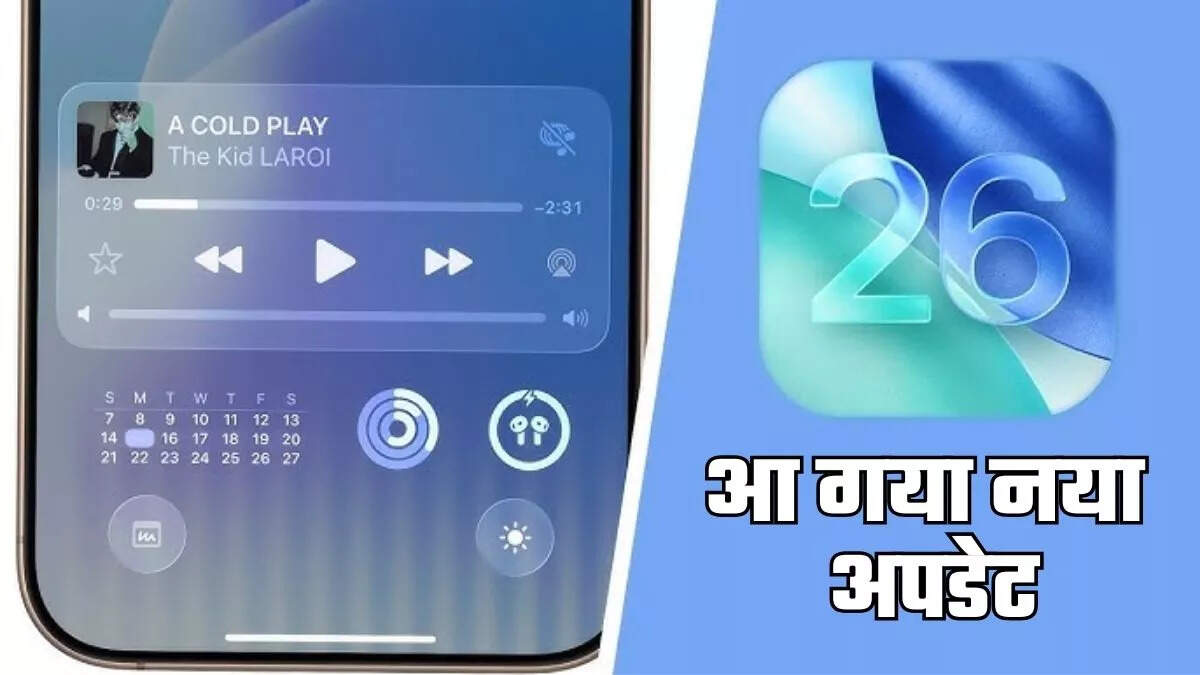
Last week, Apple launched its new iPhone 17 series at its Awe Dropping event. After the launch of the new series, Apple has also started rolling out the iOS 26 globally. The company has rolled out this new update for compatible devices since the night of 15 September, which is one of Apple’s largest iOS upgrade in the last several years, including big design changes to new AI features and privacy features upgrade.
Let us know that Apple first presented the glimpse of this new update in June this year in WWDC 2025. After several months of testing, now the company has finally introduced its stable update. Let us first know which iPhone models will get this update …
iOS 26 update: Compatible device
iPhone 17
iPhone 17 Pro
iPhone 17 Pro Max
iPhone Air
iPhone 16E
iPhone 16
iPhone 16 Plus
iPhone 16 Pro
iPhone 16 Pro Max
iPhone 15
iPhone 15 Plus
iPhone 15 Pro
iPhone 15 Pro Max
iPhone 14
iPhone 14 Plus
iPhone 14 Pro
iPhone 14 Pro Max
iPhone 13
iPhone 13 Mini
iPhone 13 Pro
iPhone 13 Pro Max
iPhone 12
iPhone 12 Mini
iPhone 12 Pro
iPhone 12 Pro Max
iPhone 11
iPhone 11 Pro
iPhone 11 Pro Max
iPhone SE (Second generation and subsequent models)
What is something special in iOS 26 update?
Apple’s new iOS 26 update has brought a new design language, Apple Intelligence feature and better privacy tool. However, it has the most special liquid glass theme, which provides liquid animation and depth effects in the interface. In addition, the lock screen clock is now optimized dynamically according to the wallpaper, while the newly designed app icons are available in light and darker colors that give it a even better look.
How to download iOS 26 update?
To download the iOS 26 update, users must first go to Settings> General> Software update, then download and click on install. After this, the new OS update will start. However, for this your device should have storage and a good Wi-Fi connection.