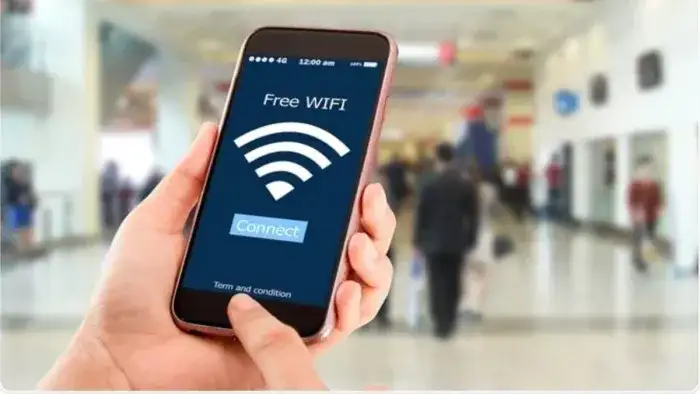
In today’s digital age, Internet has become our everyday necessity. Free public Wi-Fi is now easily available at railway stations, cafes, malls, airports and many public places. As attractive as this feature may seem, it can also prove to be dangerous if it is not used carefully. Cyber security experts are constantly warning that even a small mistake made on public Wi-Fi can cause major damage to your bank account and personal data.
Why is public Wi-Fi risky?
According to cyber experts, public Wi-Fi networks are generally insecure because they are used by many users simultaneously and do not have strong encryption. Hackers take advantage of this weakness. They can steal data by sneaking between a user’s device and the Internet through methods such as “man-in-the-middle attacks.” In this, passwords, bank details, OTP and even social media accounts can be at risk.
Don’t do this even by mistake
Experts recommend that certain tasks should always be avoided on public Wi-Fi. First of all, online banking or UPI transactions should never be done on public networks. Apart from this, e-mail login, login to social media accounts or sharing any sensitive information can increase the risk. Many people also do online shopping or payment using free Wi-Fi, which is considered to be the biggest mistake. Apart from this, logging into any website without VPN is also not considered safe.
How do hackers attack?
Hackers often create fake Wi-Fi networks that have the same name as the real network. Users accidentally connect to the same network. After this, hackers can enter their device and keep an eye on all the activities. In some cases, they even steal the password from the user by creating fake login pages.
How to stay safe?
Cyber security experts recommend taking some important precautions. Limit use of public Wi-Fi to casual browsing only. Always prioritize using mobile data or hotspot. If you must use public Wi-Fi, use a VPN (Virtual Private Network), which encrypts your data.
Apart from this, keep the auto-connect feature off in your phone and laptop so that the device does not connect to any network without permission. Also, keep two-factor authentication (2FA) active in banking and sensitive apps.