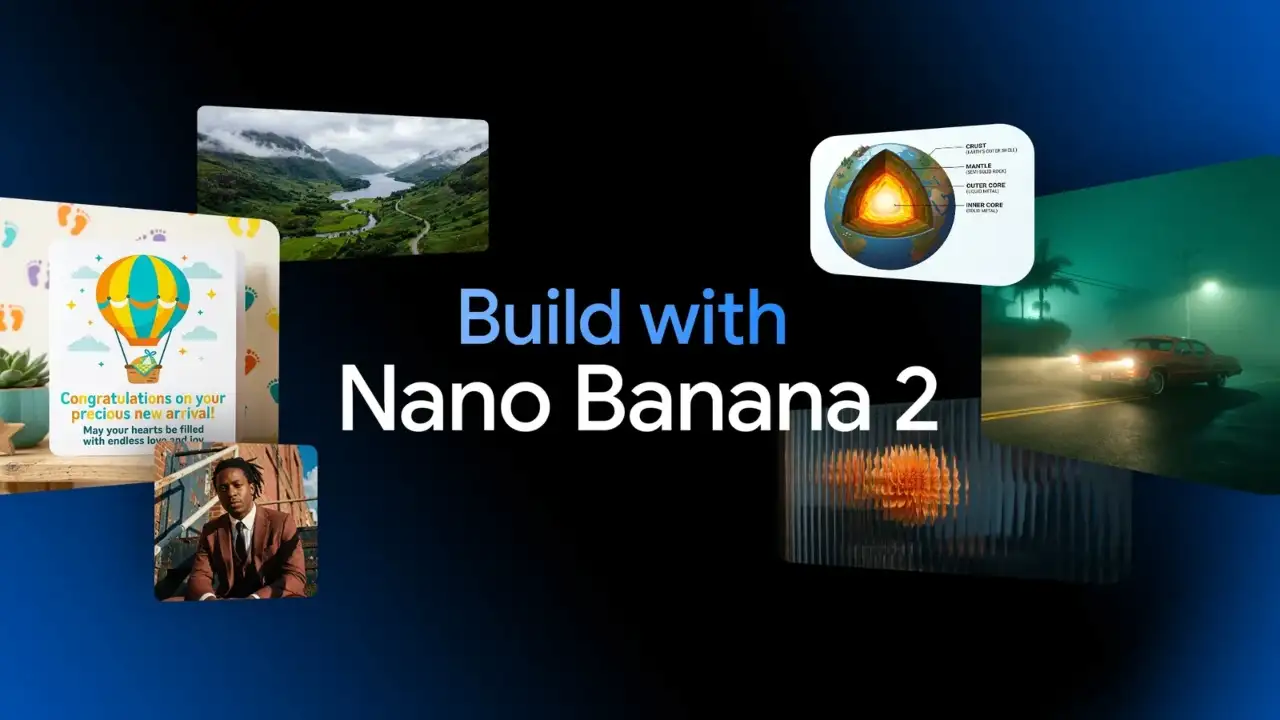
Google has launched a new version of its popular AI image generation model, Nano Banana 2, which is said to be smarter and faster than before. The company claims that this model can now create more realistic images and uses real-time web information. This new model will be available as a default option in the Gemini app and will work in Fast, Thinking and Pro modes.
More realistic and faster image generation
The Nano Banana 2 is built with the high-speed capabilities of Gemini Flash, making creating and editing images faster than ever. According to the company, the new model is capable of providing more vibrant lighting, better texture and sharper details. This model delivers faster output while maintaining many of the high-fidelity features of the Pro version. Users can create images in a variety of resolutions and aspect ratios, from 512px to 4K, making it easy for professional use.
Smart text, better understanding and command support
Google has added Advanced World Knowledge to Nano Banana 2, which leverages Gemini’s real-world understanding and web search data. This allows the model to show a specific topic more accurately. The new model can also create clean, readable text within images, which is useful for marketing mockups or greeting cards. Additionally, when users provide complex instructions, the model follows them better, resulting in more accurate results.
User control and production-ready output
Nano Banana 2 has configurable thinking levels, allowing users to gauge how deeply the model understands the prompt. This gives more control when creating complex images. Google says that the model can create production-ready assets, which means that the images created can be used directly for professional use. High-resolution support makes it a great option for designers and content creators.
How to use nano banana 2
Users can access Nano Banana 2 directly by opening the Gemini app, where it replaces Nano Banana Pro. It can also be accessed through AI mode and Lens in Google apps on mobile and desktop. For developers, it is available as a preview in Vertex AI through the Gemini API, while in Google Ads, it will be used to make suggestions when creating campaigns. The company is gradually bringing it to more countries and languages.
First, open the Gemini app on your phone or browser and keep it updated.
Go to the Image Generation section, where Nano Banana 2 is available by default.
Now, enter a detailed prompt for the type of image you want to create.
Set the resolution, aspect ratio or thinning level as needed.
Then, tap Generate, and the image will be ready in a few seconds.
Download the created image or, if you prefer, edit it to create a new version.